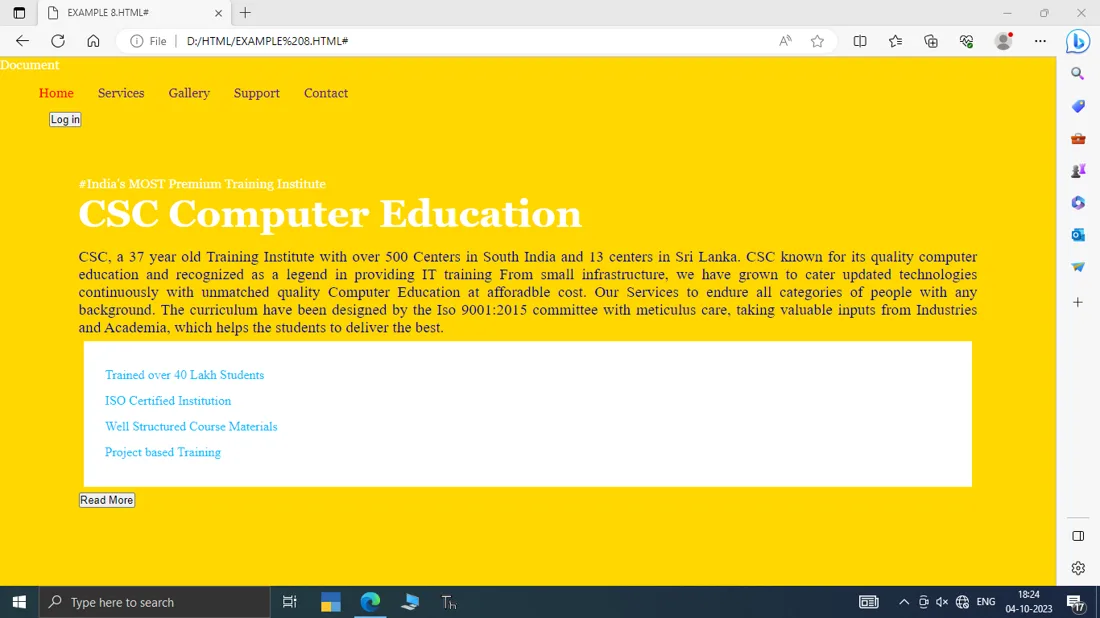
Example 1 - Nav Bar
<!doctype html>
<head>
<style>
h1{
color: #2f4f4f;
margin-bottom: 10px;
}
.nav{
margin-top: 10px;
list-style: none;
padding-left: 0;
}
.nav li{
display: inline-block;
}
.nav a{
color: white;
background-color: #13a4a4;
padding: 5px;
border-radius: 2px;
text-decoration: none;
}
a.featured{
background-colour: orange;
}
</style>
</head>
<body>
<header>
<h1> CSC Computer Education</h1>
<nav>
<ul>
<li><a href="">Home</a></li>
<li><a href=" ">Gallery</a></li>
<li><a href=" ">Services</a></li>
<li><a href=" ">Specials</a></li>
</ul>
</nav>
</header>
</body>
Example 1 - Output
Example 2 - Panel
<!doctype html>
<head>
<style>
:root{
font-size: calc(0.5em + 1vw);
}
body{
font-family: Arial;
}
.panel{
font-size: 1em;
padding: 1em;
border: 1px solid red;
border-radius: 0.5em;
}
.panel h2{
margin-top: 0;
font-size:0.8em;
font-weight: bold;
text-transform: uppercase;
}
.panel.large{
font-size: 1.2em;
}
</style>
</head>
<body>
<div>
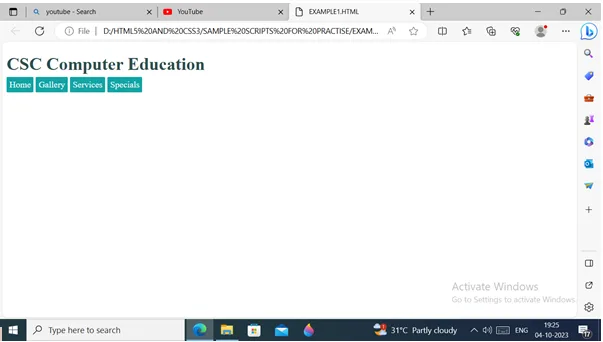
<h2>CSC Computer Education</h2>
<div>
                  A full stack developer requires skills such as Front-end Languages and Frameworks(HTML,CSS,
JavaScript, React), Backend Technologies and Frameworks (NodeJS, ExpressJS, Django, Flask),
Database Management System (MySQL, MongoDB), Version Control, and Web Hosting Platforms.
</div>
</div>
</body>
Example 2- Output
Example 3 - CSS Flex Property
<style>

body

{

margin:0px;

}

#outer
{
display: flex;

justify-content: center; align-items: center; height: 100vh;

}

#inner

{

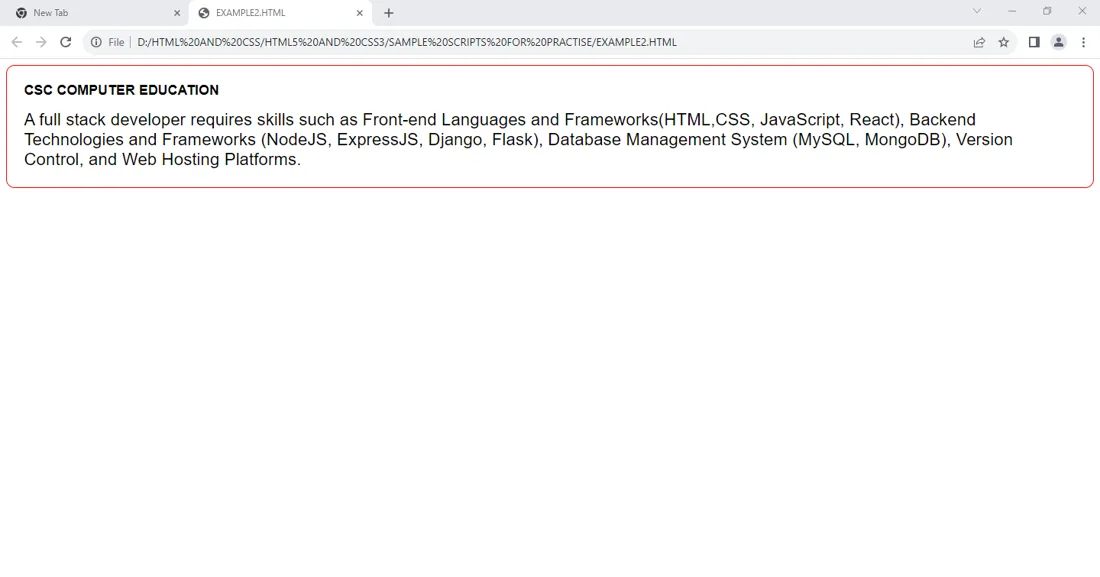
background-color:gold;

width:40vw;

height:20vh;

}

h1{

text-align:center;

}

</style>

<div>

<div>

<h1>CSC Computer Education</h1>

</div>

</div>
Example 3- Output
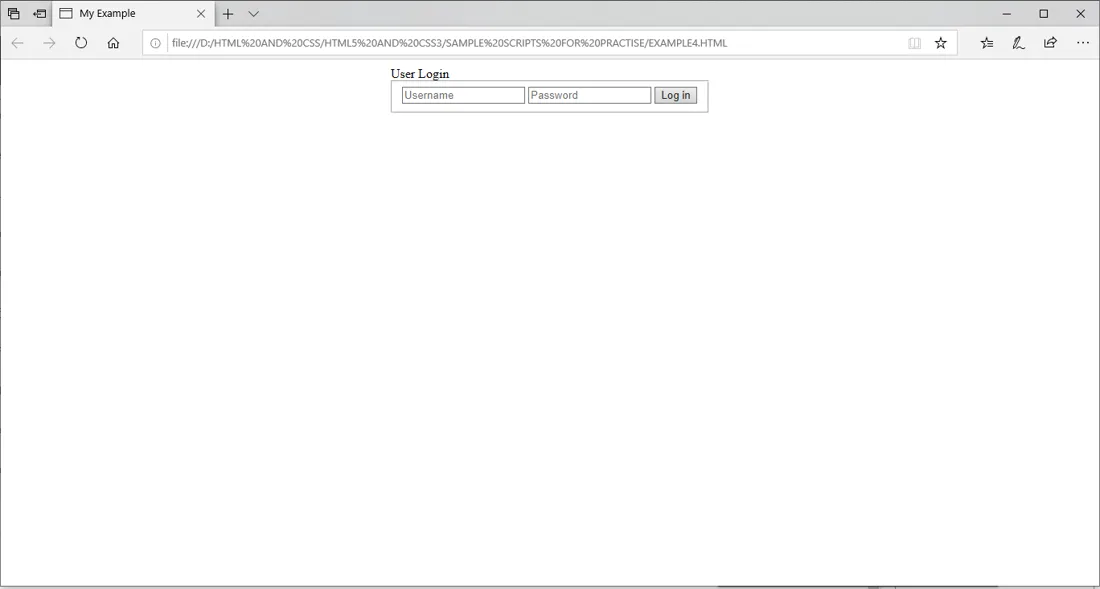
Example 4 - Form Tags
<!DOCTYPE html>

<html>

<head>

<title>My Example</title>

<style>

.loginform form {
max-width: 400px;

margin: auto;

background-color:tan:

box-shadow: 0 10px 10px;
{
loginform form fieldset { border:0 none;

margin: 0;

padding: 20px;u

}

.loginform form legend,

loginform form fieldset input, button {

font-family: Arial;

font-size:15px;

margin-top:2px;

margin-bottom:2px;

}

.loginform form legend { background-color: coral;

border-top: 0 none;

color: white;

display: table-cell;

padding: 10px 20px;

width: auto;

}

</style>

</head>

<body>

<div>
<form>

<legend>User Login</legend>

<fieldset>

<input placeholder="Username" type="text"> <input placeholder="Password" type="password">

<button type="submit">Log in</button>

</fieldset>

</form>

</div>

</body>

</html>
Example 4 - Output
Example 5 - CSS Font Property
<!DOCTYPE html>

<html>

<head>

<title>My Example</title>

<style>.

.gfont{

<link href="https://fonts.googleapis.com/css?family=Fredericka+the+Great" rel="stylesheet">

font-family: 'Fredericka the Great', cursive;

font-size: 3em;

color:blue;

}
p

{
text-align:center;

font-size: 2em;

}
body

{

background-color:gold;

}

</style>

</head>

<body>

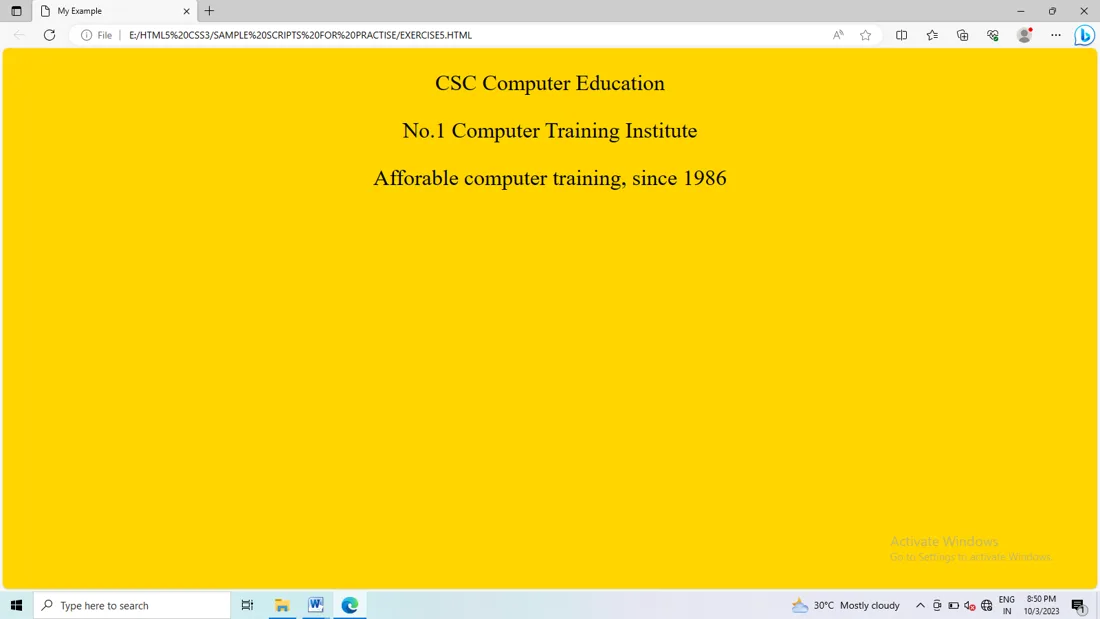
<p>CSC Computer Education</p> <p>No.1 Computer Training Institute</p>

<p>Affordable computer training, since 1986</p>

</body>

</html>
Example 5 - Output
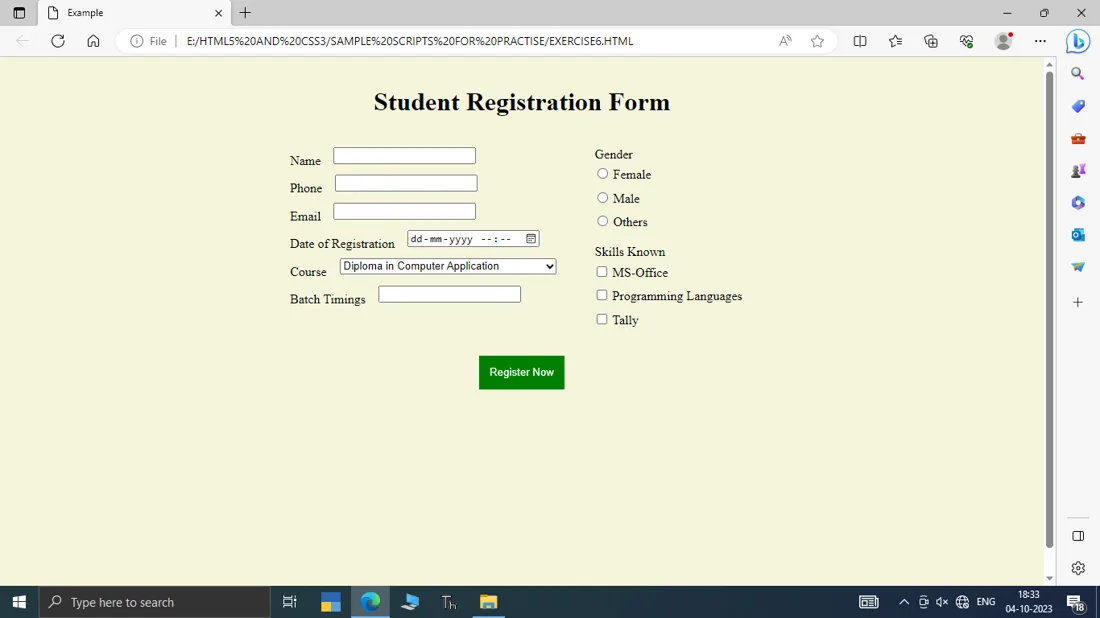
Example 6 - Student Registration Form using Form Tags
<!doctype html>

<title>Example</title>

<style>

body

{

margin:0px;

}

.myform {

display: flex;

flex-direction: column;

background-color: beige;

border-radius: 3px;

padding: 1em;

height:100vh;

}
.row {

display: flex;

justify-content: center;
}
.column {

display: flex;

flex-direction: column; padding: 1em;

}

.input-group {

display: flex;

}

.input-group> label{ margin-right: 1em;

padding: .5em 0;

}
.myform input,
.myform select {

 flex: 6: padding: .5em; margin-bottom: 1em;
}


.myform button { padding: 1em; background: green; color: white; border: 0;
}
.myform fieldset {
border: 0;
}
.gender > label,

.skills > label {

display: block;

}

</style>

<form>

<div>

<h1>Student Registration Form</h1>

</div>

<div>

<div>

<div>

<label for="student_name">Name</label>

<input>

</div>

<div>

<label for="phone_number">Phone</label>

<input type="tel">

</div>

<div>

<label for="email_address">Email</label>

<input type="email">

</div>

<div>

<label for="join_date">Date of Registration</label> <input type="datetime-local">

</div>
<div>

<label for="course">Course </label>
<select
<option value="" selected="selected">Select One</option>

<option value="DCA">Diploma in Computer Application</option>

<option value="HDCA">Honours Diploma in Computer Application</option> <option value="HDFD">Honours Diploma in Full Stack Developer</option>

</select>

</div>

<div>

<label for="batch_timings">Batch Timings</label>

<input type="text" list="timings">
<datalist>

<option value="9-11AM">

<option value="4-6PM">

<option value="6-8PM">

</datalist>

</div>
</div>

<div>

<fieldset>

<legend>Gender</legend>
<label><input type="radio" name="gender" value="female"> Female</label>

<label><input type="radio" name="gender" value="male"> Male </label>

<label><input type="radio" name="gender" value="others"> Others </label>

</fieldset>

<fieldset>
<legend>Skills Known</legend>

<label><input type="checkbox" value="basic"> MS-Office </label>

<label><input type="checkbox" value="language"> Programming Languages </label>

<label><input type="checkbox" value="accouting"> Tally</label>

</fieldset>

</div>

</div>

<div>

<button>Register Now</button>

</div>
Example 6 - Output
Example 7 - CSS Grid Properties
<!doctype html>

<style>

body {

grid-template-rows: 80px 1fr 70px;

grid-template-columns: 1fr 20% 15%;

grid-row-gap: 10px;

grid-column-gap: 10px;

height: 100vh;

margin: 0;

}

header, footer, article, nav, div {

padding: 1.2em;

background: gold;
}
#myhead {

grid-area: header;

}

#myfoot {

grid-area: footer;

}

#mainArticle {

grid-area: article;
}
#mainNav {

grid-area: nav;

}

#siteAds {

grid-area: ads;
}
</style>

<body>

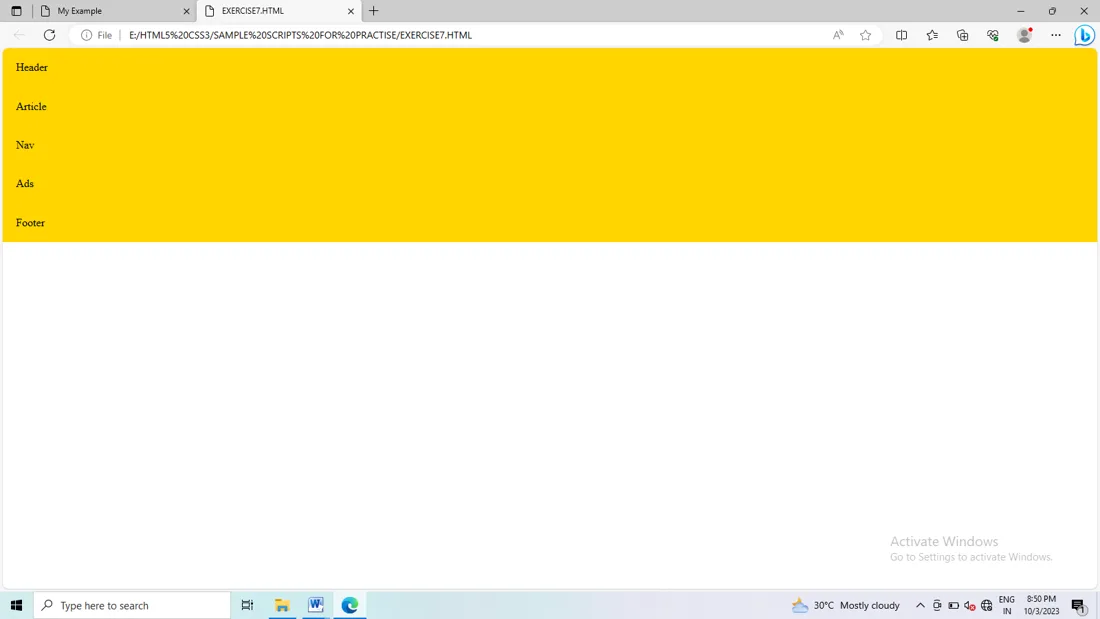
<header>Header</header>

<article>Article</article>

<nav>Nav</nav>

<div>Ads</div>

<footer>Footer</footer>

</body>
Example 7 - Output
Example 8
<!DOCTYPE html>
<html lang="en">
<head>
<meta charset="UTF-8">
<meta name="viewport" content="width=device-width, initial-scale=1.0">
<titile>Document</title>
<link rel="stylesheet" href="https://fonts.googleapis.com/css?family=Kanit">
<link rek="stylesheet" href="https://fonts.googleapis.com/css?family=Belanosima">
<style>
*{
margin: 0px;
padding: 0px;
box-sizing: border-box;
}
body{
font-family: Georgia, "Times New Roman", Times, serif;
color: white;
background-color: gold;
}
.logo img{
width: 70px;
height: 70px;
border-radius: 41px;
outline: 4px solid blue;
}
nav{
diaplay: flex;
justify-content: space-between;
padding: 1em 3em;
align-items: center;
}
.items{
display: flex;
align-items: center;
gap: 30px;
}
.items a:link{
text-decoration: none;
color: white: bold;
}
.items a:hover{
color:red;
}
.active{
color: red;
}
.shortinfo{
color: red;
font-size: 1em;
font-style: italic;
}
.heading{
font-size: 3em;
margin-bottom: 0.3em;
}
.subheading{
font-size: 1.2em;
text-align: justify;
color:darkblue;
font-family: Kanit;
}
.users{
display: flex;
align-items: center;
margin: 1em 0px;
}
.aluminis{
padding:2vw;
background: #ffffff;
margin:1vh;
}
.aluminis p
{
font-family: belanosima;
color: deepskyblue;
line-height: 2em;
}
buton{
padding: 1vh;
width: 10vw;
background-color:deepskyblue;
}
.other{
padding:2vh;
}
.container{
width: 90vw;
margin: 2em auto;
padding:0px 2em;
}
.row{
justify-content: center;
align-items: center;
}
</style>
</head>
<body>
<header>
<nav>
<div>
<a href="#">Home</a>
<a href="#">Services</a>
<a href="#">Gallery</a>
<a href="#">Support</a>
<a href="#">Contact</a>
</div>
<div>
<button>Log in</button>
</div>
</nav>
</header>
<section>
<div>
<div>
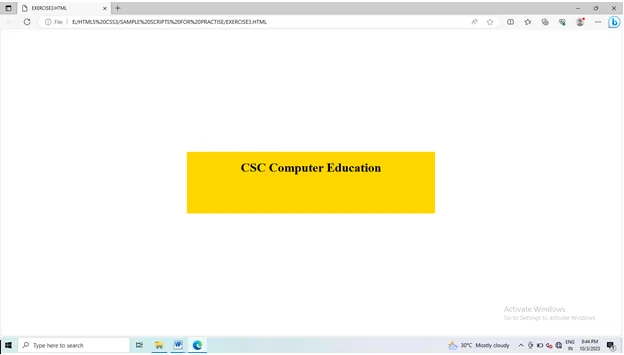
<p>#India's MOST Premium Training Institute</p>
<h2>CSC Computer Education</h2>
<p>CSC, a 37 year old Training Institute with over 500 Centers in South India and 13 centers in Sri Lanka. CSC known for its quality computer education and recognised as a legend in providing IT training

              From small infrastructure, we have grown to cater updated technologies continuously with unmatched quality Computer Education at affordable cost.  Our Services to endure all categories of people with any background. The curriculum have been designed by the ISO 9001:2015 committee with meticulous care, taking valuable inputs from Industries and Academia, which helps the students to deliver the best.</p>
<div>
<p>Trained over 40 Lakhs Students</p>
<p>ISO Certified Institution</p>
<p>Well Structured Course Materials</p>
<p>Project based Training</p>
</div>
<button>Read More</button>
</div>
</section>
</body>
</html>
Example 8 - Output